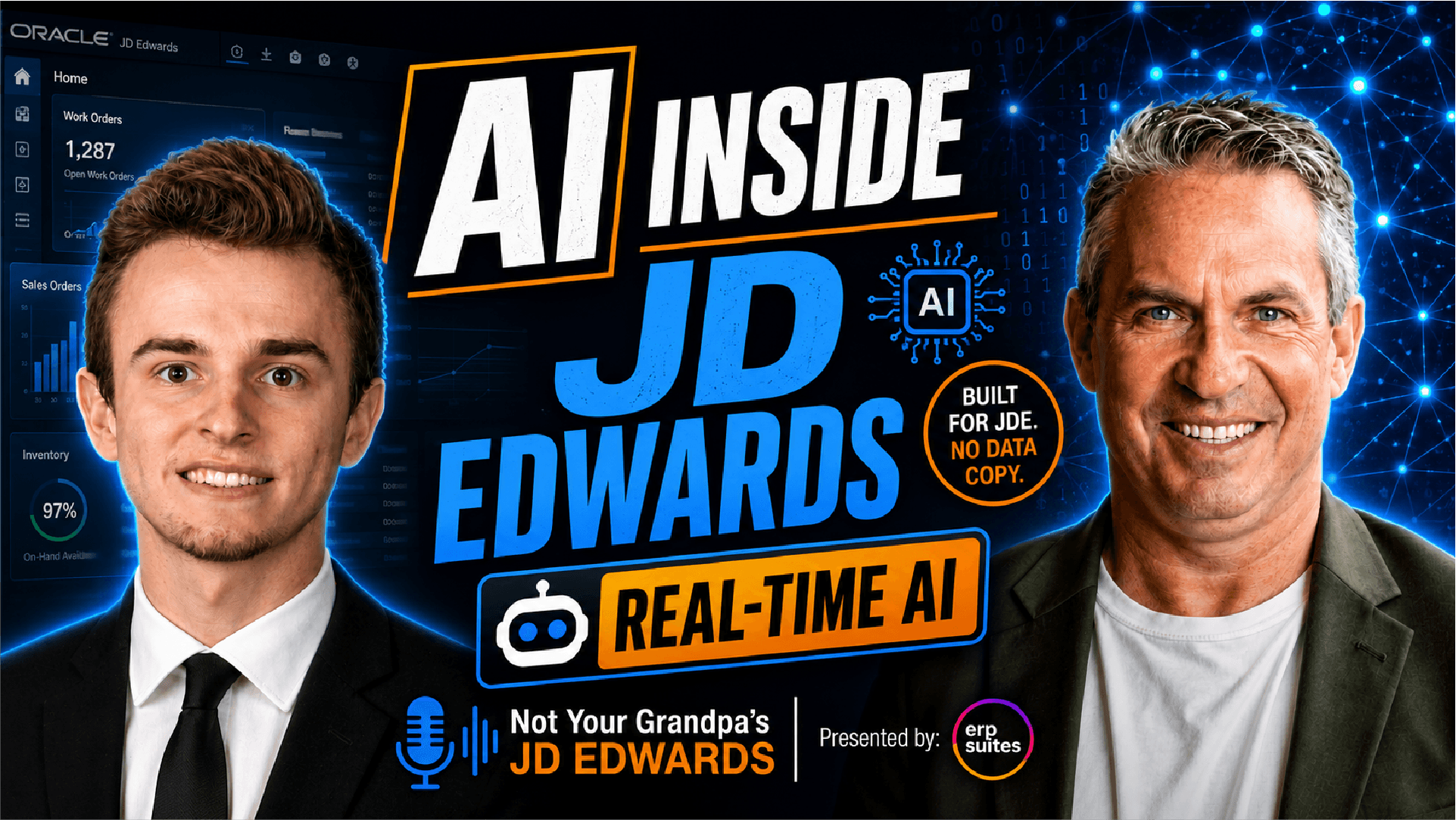


We take a practical look at AI digital assistants for JD Edwards and cut through the hype. We compare Franklin from ERP Suites against popular options like ChatGPT, Copilot, and Oracle Digital Assistants, focusing on what actually works inside a real JDE environment. Joined by AI advisor Drew Rob, we break down the difference between chatbots and true digital assistants, explore how Franklin automates work, answers complex data questions, and integrates securely within JD Edwards, and discuss cost, implementation effort, and who these tools are really for. If you’re evaluating AI for JDE and want clarity instead of buzzwords, this episode delivers the insight you need to make a smart decision.
Table of Contents
- Introduction
-
Chatbot vs Digital Assistant: Core Differences for JDE Users
-
What AI Assistant Options Exist: ChatGPT, Copilot, Oracle Digital Assistants, and Others
-
Data Trust and Security: Hallucinations, Sensitive Data, and Staying Inside the “Four Walls”
-
Franklin in Practice: Automating Work and Streamlining JD Edwards Tasks
-
Franklin in Practice: Inquiring on JDE Data, Reading Documents, Forecasting, and FP&A
-
Integration, Ease of Use, and Limitations: Packages vs Skills, Training, and Constraints
Transcript
Introduction
Thinking about adding an AI assistant to your JD Edwards environment wondering which digital assistant can actually save you time and money like chat GPT co-pilot oracle digital assistants or ERP Suites own Franklin. Today, we're giving you a full honest review of Franklin and how it stacks up against the competition and whether it's the right fit for your team. If you're trying to cut through the AI hype and make the right ERP decision, this is the episode for you.
Welcome to Not Your Grandpa's JD Edwards, where we take a nononsense look at modern ERP tools and strategies. I'm Nate Bushield, and today we're doing something a little different, a review episode. We're breaking down Franklin ERP Suite's AI digital assistant, as well as other digital assistants to answer the question, what is the best AI tool for JD users? We'll compare it to some of the most talked about assistants in the market and help you figure out if Franklin belongs in your ERP toolbox.
But today we're joined by Drew Rob, AI advisor at ERP Suites. Drew, how you doing today? And for those out there who haven't seen you on the podcast before, can you explain your role and give us a little background? Absolutely. Thank you, Nate. So I am Drew Rob. I am the, as he said, the AI adviser at ERP Suites. I've been with the RP suites for like eight years now. So I was an internship, moved in moved into the wonderful world of our products that we have. Um and then eventually into the data analytics and data consulting role which leveraged me straight into it launched me into the AI advisor role. Um and really in that role, it's really exciting. It's really getting customers started on their AI journey. um really getting them started with implementing AI into their business whether it be a quick win solution or an implementation roadmap um and just really seeing the value of AI specifically in JD Edwards and where we can start to apply some of our great solutions that we'll talk about here but most specifically as as Nate said Franklin our digital assistant um which integrates directly into your JD Edwards environment. So looking forward to the conversation today, really educating you on the best fit um for digital assistants out there as well as well as other solutions that might fit into your business and really getting you guys started with AI and along your AI journey um in your business. So thank you Nate for having me. Um been on about three times now. So looking forward for another good conversation with you. Yep. You can now say that you're also a recurring podcast guest.
Chatbot vs Digital Assistant: Core Differences for JDE Users
Being right into it, what's the difference between a chatbot and a digital assistant that's built for JDE? You hear chatbot a lot out there in the world in the ecosystem and and and for very good terms, it's it's a good tool, right? The way the best way to think about a chatbot is it's very automated and very rule-based. You you want to think of it as being very transactional. you know, you ask the digital or you ask the chatbot a question, it comes back with a a response and and potentially leads you on a journey to the next question or in a straight line. It's very transactional um to get to that next question, to get to your input, to actually get to the response you want. Um and it's very one-dimensional um in a sense that you can only do one specific thing, right? And it follows a a path. Um and that's the biggest thing about chatbots.
Now at ERP suites, we try to not say chatbot at all. You know, we want it to be digital assistant. Digital assistant to us is more dynamic. And what I mean by more dynamic is whether it's a certain skill um you know just such as moving workloads to different work centers, right? think about that option or um you know the ability to you know glean insights from your financial or manufacturing data or even inventory data such as demand forecasting. Not trying to get into use cases we'll talk about later but it it's the ability to jump around between different skills and how an end user operates with the digital assistant right and it allows you to do multiple different things within your role in the business. um it doesn't allow you just to do one specific thing. Um again, you can start to jump around it and be more dynamic um the digital assistant and and really do your entire think of your entire job role and task inside of that. Um and that's the biggest thing.
So, one last thing I'll say about the digital assistant is you really got to think about it as you know like a a secondyear intern at a business, right? and the ability to answer those questions pretty easily, but also be more conversational. And that's a big thing we pushed as well. Less robot, more conversational um with the interactions with the user. Um and it really feels like you're talking to, you know, some sort of coworker as well. Yeah. And obviously, I'm sure a lot of our listeners have been more exposed to a chatbot out there. And when you're looking at those, you're right. They give you like five prompts and you get to choose which one. With the digital assistant, obviously very different. Yes, there are certain things that you can say to it and you know what you're going to get out, but there's also a whole realm of possibility of, oh, how can I manipulate this data to better suit my needs? Um, so really it's it's a chatbot that takes it way further than what a traditional chatbot could even start to think about.
What Options Exist: ChatGPT, Copilot, Oracle Digital Assistants, and Others
When companies are truly exploring AI assistance. What are their real options like especially if they're running JD Edwards? Yeah, absolutely. And and there's a ton out there that you really think about a ton of other vendors like ERP suites who are building out, you know, digital assistants out there, even chat bots. They'll call them chat bots as well. Um, just know the limitations of the chat bots that we talked about in that first question, but out there, it's really just depends on on what what you want to do.
Now, there's a lot of open- source tools out there. You know, you talk about Chat GB GBT, you talk about potentially Microsoft Copilot as well. Google has its own digital assistant. Um, Amazon has its own digital assistant as well. Um, you know, so it it just really depends. But those open source ones, especially referring back to chat GBT for for example, is you really don't have you have access to all this data. You have access to all this information. You can ask a lot of different questions, but there's a lot of things that come into play with that. one is you're not running directly against your JD Edwards data or even other thirdparty data that you want to pull in, right? You want it to almost be a little siloed so that we know we're getting the correct results.
Um, one thing I've actually talked about in past podcasts, um, it's called AI risk and remedies is really hallucinations in your data. And that's what really the open- source um you know chat GBTs bring out is hallucinations really incorrect results are not 100% correct results um in your data and that's really because it's so open source and it's open to those different you know different um different information out there. So it's it's really important to make sure you're looking directly at your enterprise data. Now you can bring in other third partyy data sources as well. you know, you can bring in website financial data, weather data if it's so meets your industry needs for whatever product you're you're building out or some other, you know, Oracle SQL databases that might hold different data that's inside JD Edwards, even CRM data as well. Um, you can think about, but it's really just about having access to good quality data.
Um and really that's that's the thing that happens too even with enterprise tools like so a lot of other vendors that we you know we've seen um out there is is for example they they build out solutions but they build it in like the digital assistants in house right so it's inside of their floor walls inside of their infrastructure so the hoops you have to jump through to really make those connections to other data sources as well as your JD Edwards data it becomes very difficult right and a lot of just really front-end work um that will come into play.
Um, and another thing with those third party data sources as well is again, yeah, accessing it, security becomes a big issue, and we'll talk about that a little bit more and dive a little deeper into that, but the security of going inside their infrastructure rather than having it inside your floor walls becomes a huge factor as well. Now, the big thing with Franklin, as we like to say, and I mentioned it before, is it's really integrated inside of our JD Edwards, right? it's integrated side by side along with your applications, but it's really just the the ease of use as well, right? Having it next to your applications is is the biggest thing.
Data Trust + Security: Hallucinations, Sensitive Data, and “Four Walls”
And if you look at a chat GPT, and I know that a lot of our users have probably utilize either that or a co-pilot or something like that. Um, it's funny you bring up the Amazon one cuz I had never heard of it, which is very surprising. I feel like I'm Amazon Q. Yeah, new one. Yep. Had no idea. But yeah, with a lot of these open source, you're not entirely sure where they're getting their data from. But when you're looking at those like that are out there already for the JD integrations, they're getting their data directly from your JD data sheets and everything that you're looking at. So they're never going to make something up. So there's an amount of trust that really could come from. I'm not saying that open source isn't trustworthy. I mean, then again, Chad GPT's CEO literally said a few weeks ago saying that you shouldn't trust it, that he doesn't understand why people trust this new technology and that carries a lot of weight. If a CEO is truly saying that about their own product, there's a lot of truth that comes with that.
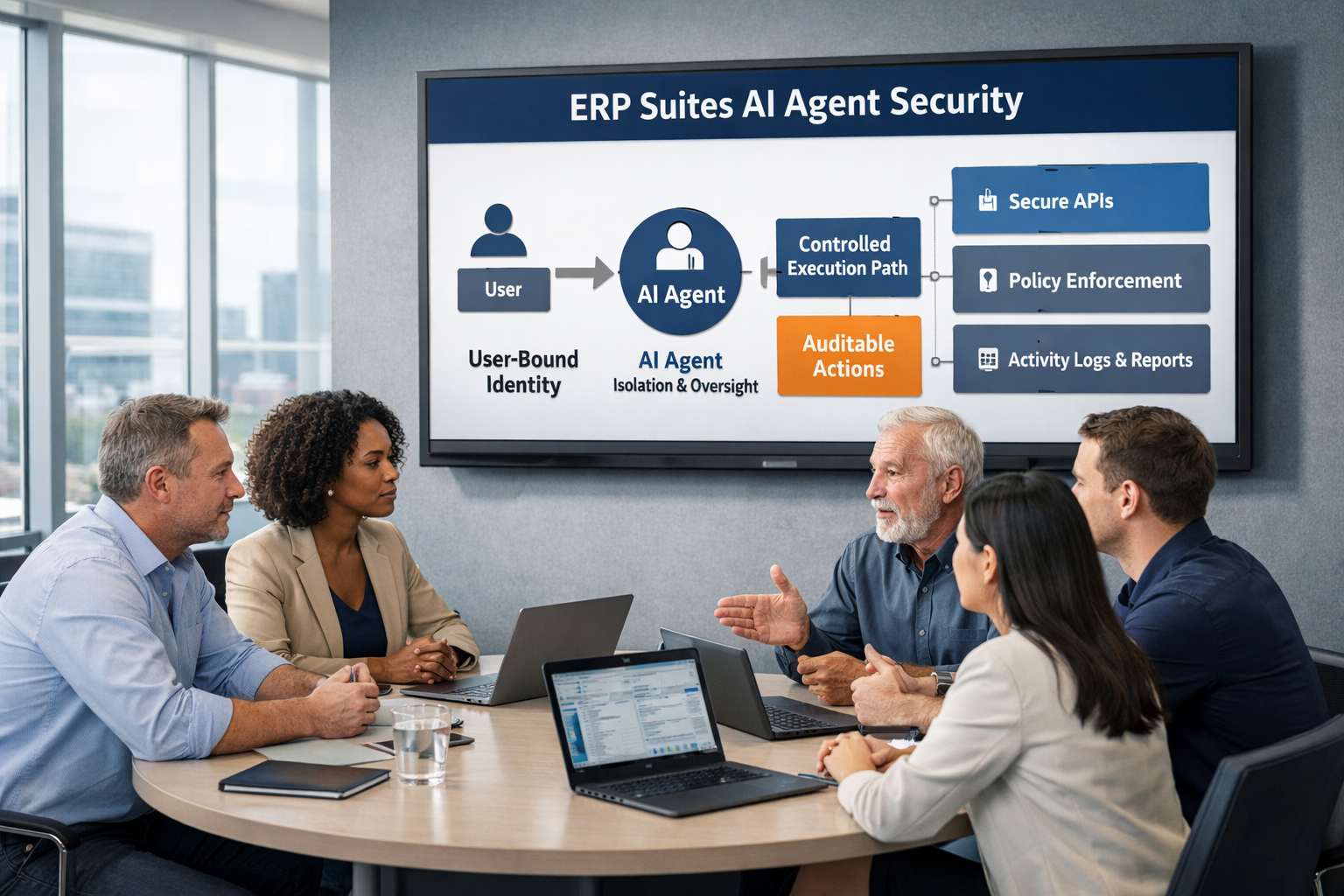
I would even think of it the other way like we're talking about, you know, the data getting back from there open source. You really also got to think about the data you're uploading to that OPA source like sensitive confidential company data, you know, just you really don't want to do that and and just knowing that you have a safe digital assistant to interact with um inside of your four walls is really what we're promoting, right? And again, like minimizing the amount of integrations and the setup and where how you access it, you know, it's just right next to you using really JD outward security. So that's that's the nice part about Franklin.
Franklin in Practice: Automating Work and Streamlining JD Edwards Tasks
Um, but what kind of tasks are teams actually using Franklin for today and how does it show up in their day-to-day ERP work? Absolutely. Now, now the one thing I want to find here with the task with Franklin is is there's kind of two different ways you can use Franklin. And the first way is, you know, the ability to automate um ta routine task streamlining workflows, right? So, think of it that way. Really start with automation. Now, you might think that's like RPA um you know, really starting to just do automation, but you can build off of that and build more things into the digital assistant, but it's really just starting to streamline workflows, eliminating clicks and JDwords. And that's what we're going to talk a lot about, you know, our AI journey, our quick win solution um with customers a little bit later here.
But it's really getting that quick win into your business is is what customers really look at is, you know, the transactional workflows. You know, I mentioned one before, whether that's moving, you know, work orders at specific work centers um when different work centers are at capacity or, you know, automating uh you know, uh financial reconciliation or the close of the month, right? or maybe you want to automate you know the the inventory restock um for your company right or uh you know creating a bill of materials um that's that gets sent out right now to a vendor so there's just a lot of different you know options you can take here and it's really just automating you know not how an end user uh uses JD Edwards right minimizing the amount of applications they're going into it the clicks it takes to get to that to get to those various uh solutions or get to that various endpoint, right? Um you know, updating routing codes is really another one. Um you know, and and just really just you know really making the digital assistant and really we're going to start thinking about other possible is how can it start to be crossunctional in your business as well as you know manufacturing connects to accounting and all finances. How can we make it more transactional and that's really one way you could use flank Franklin is really the streamlining of of task right now.
Franklin in Practice: Inquiring on JDE Data, Reading Docs, Forecasting, FP&A
Now the second way you can use Franklin and and you can tie these together as well, right? They don't just have to be handinand. It's just a different way to think about it is you can use Franklin to really inquire against your JD Edwards data and the complexity of JD Edwards tables um and applications right so so starting to look at that data starting to do some calculations is the big thing you'll start to do. So in the finance well we can think about this is calculating net sales by fiscal year or breaking it down by quarter or looking at your top 10 sales um top 10 sales reps um you know and breaking it down just in that digital assistant pain and starting to show that information because those calculations are really hard to get in JD Edwards or they just don't exist at all right um and another thing we're starting to really leverage uh the digital system do is starting to read documents as well.
So whether you're reading uh material usage documents um to gather information from that um or even HR documents when you start to onboard you know certain customer or certain employees sorry when you start to onboard employees um and you got to read through you know you got to train them on certain things whether just through line of business through work right you got to train them on their work um that's another thing we're train you know we're getting the digital assistant start doing starting to read various different documents um another one we're working closely with the customers really, you know, you know, training employees on on certain MRP processes, right? And really the the the supply chain process in general. Um, just really start getting uh employees to start to understand that, right? Um, and it's just very important. It's really around training is is what it's really doing. Now, we can even take that a step further. So, now you're reading documents, you're getting information from that. It's linking back to the sources of those documents. The step further is we're actually working with and we've done this recently um in our testing. We've we've taken a um income statement from 2025, right? Or 2024, sorry, and and we projected out what is the income statement for 2025. So, in the end, it's starting to actually build out documents as well. It's starting to do that forecasting, right? And we've already built that into digital assistant as well, you know, doing FPNA analysis. And then that's really located in our in our financial digital assistant.
Just to summarize here, it's really two different ways of using it to be more transactional and and really helping your end users do tasks more quickly as well as inquiring on your data. Whether that be starting to make predictions or even building out some of these some of these sheets, you know, AI is just taking a big turn there. And really having that all with inside the digital assistant is very important as well.
Integration + Limitations + Ease of Use: Packages vs Skills, Training, and Constraints
Yeah. And I mean, not to not to bring this up, but are there any negatives about Franklin and what it's limited to?
Absolutely. And and really the negative is going to be, you know, the implementation effort and where you take it as, you know, and then the implementation, right? It's it's it's a lot of, you know, and and and a suites, you know, when we're working with AI, we want to be advisers in the space. So, it's a lot of working specifically with your use case and what you want to accomplish, right? We're not just going to build it out. You're not going to have access to a bunch of tables right away. What do you actually want to see? So, the implementation could take a little bit of time. Now, we've mentioned before with ERP suites is is is really, you know, quick win. How can we simplify this for you, right? Um, so it's really around we try to get to you quickly, but it's going to be a lot of consulting back and forth um for understanding your specific business needs so we get you the right product and not we're not just giving you a package product like you see out there. Um another thing um another downside Franklin really is is you know we can bring another third party data sources and that's fine right a couple two or three don't think of Franklin is like an end to end we're connecting like 10 different systems like that's definitely a limitation which I don't know when you're just getting into AI if you really want to do that and connect all different data sources like two or three really solving a problem right that's where you want to start so definitely think about that as well we're not going to connect 10 different sources all coming into one digital system doing multiple tasks task. Now, again, we can build off of that and build more skills and flows as I mentioned before. Um, but really starting from that ground zero, focusing on two or three data sources, but primarily your JD Edwards.
Yeah. And obviously, everyone's talking about a quick win in the AI space these days. And it is great that we know that you can start small, start very small, and then build up from there. And the possibilities are endless in terms of what you actually want to do. But how do these tools compare when it comes to like an ease of use and getting your team product reductive quickly?
Sure. So I so I mentioned that a little bit before it's really easy use. So you know as I said before the third party systems the way you access it might be a little bit different. You know, we can even potentially go to security a little bit here like the potential security of locations with whatever AI tool a third party is using um versus not using JDL with security which we leverage a lot right so we leverage the JDL with security role based security so you really only have access to the skills you want to have access to and the other ones are really hidden and that's how you know it it it one helps the end user use the product and we can promote usability because they're not confused on the various different avenues they can take and the various different tasks they can do. It's focused primarily on their their task, right? And and what they can do and and again, it's still dynamic though, right? So you have the ability to work with different tasks that you want to complete, right? So they can do various different things. It's not necessarily, you know, one-dimensional as we mentioned before, chatbot. It's still dynamic in the sense, but again, you're using JD Edwards integrated digital assistant, right? You only have access to your certain skills. you only have access to the things you want to complete. Whereas out there in other third party tools, there might be a lot open to the end user. So again, the training is hard or promoting usability, the change management, they do they trust what they're doing. Do they even want to use the digital assistant as it gets more complex? Right? Just keeping it simple at the beginning and starting to train them. As I said, we're we're advisers in this whole process. So, we'll help you along the way, but it's really around that ease of use there and and and how they how they integrate and how they interact with it. Just making it easier for the end user. It could be a business analyst, it could be a manager, it could be a director, especially if you're starting to inquire on data, financial records, tabent stuff. Um, just making it easier for any end user. We're not talking about a business analyst. We're really talking about anyone that wants to utilize a digital assistant. Franklin,
Cost, Pricing Models, and Implementation Considerations
Yeah. So let's let's take the cost one first for example. So with the cost it's really around you know that that first skill that we're building out that flow if you want to talk quick one it's really all around the usage of the end user is what we want to think about. Now our cost for digital assistance um per year for that year one including implementation cost is is 150 to 190. Right? So you might think that's a little large here, but but really the biggest thing here to think about is it's the onetime implementation fee, right? So the onetime implementation fee is, you know, 100,000 and after that the year as as you get on yearly into it, um you know, it gets cheaper for one and two, what we also include in that in that price as well is continuous support and innovation. Now we talked about and we mentioned before it's it's really about having human in the loop and that's when we go through the training and the usability with the end user because they know how their process works or they know what what data to a to an extent is in their JD environment and what they're seeing from historical data if you're trying to inquire using the digital assistant. So it's really it's really around you know the ability to actually enhance your digital assistant for the future is what you're you're really paying for.
Now, we've seen and actually I haven't really seen them much other companies out there having pricing for the digital system. You don't know what it could be. You've seen packages out there, right? The supply chain package or the financial package or you know it connecting to all your different data somewhere just inquiring on your data is another um uh potential vendor one I've seen out there. It's it's kind of open-ended, right? And I know that's going to provide a high consulting effort and engagement for deciding how much this is going to cost. It's going to create a lot of back and forth. It's going to take a while and it's not really going to really provide that quick win that we've been talking about. Whereas, you know, we're pretty confident with that range that's between 150 and 190. Um, talking with other customers, you know, our different implementations we have with customers, it's really around that price. Whereas the other ones are either not there or it's very open-ended, right? So, you don't really know how much it costs. where you're going to know upfront, you know, what ours is and and it does vary, right? We talked about the different skills, use the flows. It's really around usage, though.
Um, I didn't mention this before and I was going to get into it. We're leveraging OCI digital assistance. So, it's around their cost, which is which is definitely around usage and and the amount of inputs you have, but again, it's a lower-end cost, right? Um, than what you've seen out there, especially if you start to look at our third party solutions out there um as well. And the implementation effort, like I said, you can start it as big as you want. We can create, you know, an implementation roadmap, but our goal is to really start with that one specific use case, right? That one specific skill. It may have multiple flows, but that one specific thing you want to accomplish, whether it be inquiring against your data or transactional like I mentioned before. So, just think of it as it it it does depend for us, but we do, you know, we have a costing model out there whereas others may not. um and we have an implementation plan to go along with it, right? If we if we end up starting with three or four skills or five skills rather than one. Um but just know the effort's not you know it's not huge, right? It's it's going to provide some consulting for the use case. Um but as far as cost, that's kind of it's kind of covered right away for us.
Exactly. And when it comes to the implementation side too, there's a lot that could really go into that when you're talking about costs. And if you're looking at a third party system, application, visual system, whatever you truly want to call it, chatbot sometimes. Yeah. Yeah. And chat bots as well. Uh there might be more time, more money that will go into it because they have to integrate it to the actual system of JDM, right? and the native builds out there like the Gen AIS, the Chat JDE, which I just learned about yesterday, by the way. I I had never heard of it. I thought somebody just called Chad GPT the wrong name. Um, but yeah, they have that built out to where it's an actual integration that's already been realized and been formatted. So, there are other solutions out there that have that native built just like Franklin does. So there is more of an ease and maybe it's not as pricey as doing something that's more of an open-source that's going directly into JD Edwards. When you're talking about native, you'll probably see a lower cost than a third party that's trying to plug into JD Edwards.
Governance, Security, ROI, and Who Franklin Is Really For
But anyways, what kind of results are teams seeing when they bring a digital assistant into live JD Edwards environments? Yeah, real quick, dude. I just want to cover I just realized I didn't cover any security or governance. So I just want to really quick talk about that if that's okay. Um it's okay. There's a lot of different podcasts that we have gone over the security side if you want to check them out. Uh Sean Me and Brian Connors there in the past we have talked deeply about the security side of AI and what you truly need in terms of the background and in terms of the actual governance. and even um Trina Huntsman, we talked specifically about the governance and the compliance side of it. So, please if you want to deep dive into those, go check those out. I'll link them in the description below.
Yeah, Nate, that's that's an amazing point. You know, they've really talked in depth about the security side um inside of digital assistant. Now, you know, the digital assistant security might be a little bit different um and we can we can tie that into this next question. Absolutely. So, so really telling the stories, right? How how does this help? How does this really help your business? And you know, working with customers, how do we really feel like we're really saving times? And it's really just around, you know, reducing the amount of especially inquiring on your data with the digital assistant, reducing the amount of reports that the business analyst may have to grab or put together. Um, you know, really export to Excel if if you need be or some other visualization tool. Um, you know, it's really just minimizing that. It's reducing the amount of, you know, potential, you know, tickets coming in as well. Um, if you want to build out a digital assistant to help with, you know, ticketing, right? I mean, we talked to customers about that being that end user working around tickets and how to resolve them and looking at historical tickets and how they've had have been managed in the past and potentially pulling them up. You know, that's definitely another use case we we've talked about with customers as well.
Um it really again I mean I mentioned it before it's it's really reducing the transactional um you know end user experience inside of JDL is in the ability to minimize the application the uh amount of applications that a business user has to go into to complete just a very specific task. Um and and really it's about you know yeah starting to really build reports as I mentioned before um starting to build those financial reports or those inventory reports or you know various different things that you can pull out of the digital assistant and uh and get more insights from right it's not just looking at your data but it's starting to do some work for you um and that's really what we want to think about and you know we've harked it with with Oracle is is you know the ability to crawl walk run start from start from scratch start automation, you know, and then really start to get the digital assistant to provide recommendations for you and eventually autonomous CRP. And that's what we're really looking towards and and not the pool, you know, you know, points back from earlier, but that's that's really around that continuous innovation piece in our pricing is really talking about, you know, where can we take it? Where are the next steps? Where can we go since we got this quick win? Now that's implemented into your system and implemented into your business. how can we provide more ROI in your business with more enhancements, more AI tools uh used um from what we initially, you know, implement with that specific skill.
Um so that that's really the biggest thing. Um and just looking at just, you know, parts of your business where where we can apply that. Um so yeah, I mean it and it really just depends, you know, the big thing with with with our digital system with Franklin, it's it's around, you know, traceability, too. That's the one thing you got to think about is is you know if if we're trying to promote usability usability uh for the digital assistant we have traceability we have loves we understand what users inputed what what they're trying to get out of it what mistakes they may have made maybe they spelled something wrong or inputed something wrong you know it helps us the ability to train the digital assistant to do better um on that as well um and another big thing is is is around you know reinforcement learning so in our digital assistant just plug in one other feature you have the ability to the end user to train it um themselves. So they can either hit the thumbs up or the thumbs down if they like an input or output. And then it allows us to start, you know, train them to train on their own against JD Edward's data allows the digital system become smarter along the way rather than us having to do as much backend work uh training the models, retraining on new data, which is still very important um when bailing out the digital assistant.
But yeah, just remember it's all using OCI services directly connected with JD Edwards um security um and that endang encryption there as well. and as well as it's native and JD Edwards as we mentioned before and it's learning from itself it's and we're talking about all of these they learn from themselves which is one of the best sides of it so if the solution isn't great in the beginning you're not getting exactly what you want from every prompt that you throw out there it is easy to train it to make it so if you do say a specific prompt every single time like maybe you have a weekly task out there that you have to complete and a lot of the times it's very boring and takes forever for no reason. Digital assistant can cut through that. But if you don't end up liking what the result is, it's great that there's a training model to it.
Topics: