

Edit user properties
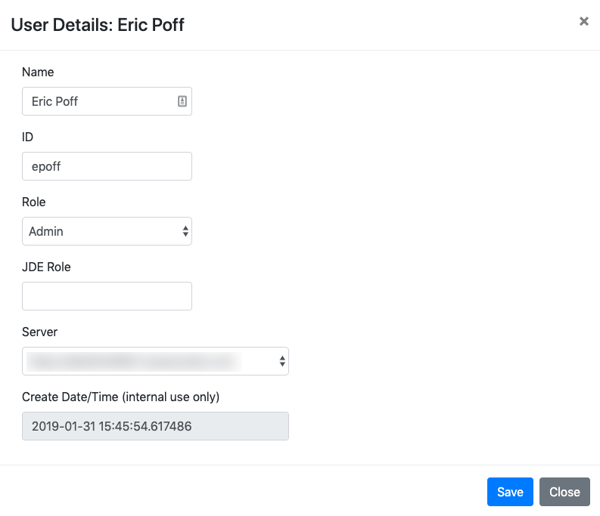
Click the Edit icon in the Users table to reveal User Details. In this pop-up window, administrators can:
- Edit a user's name.
- Edit a user's JD Edwards ID or JDE Role.
- Change a user's Scanability role to grant admin access or prevent a user from logging in to the application.
Edit user security
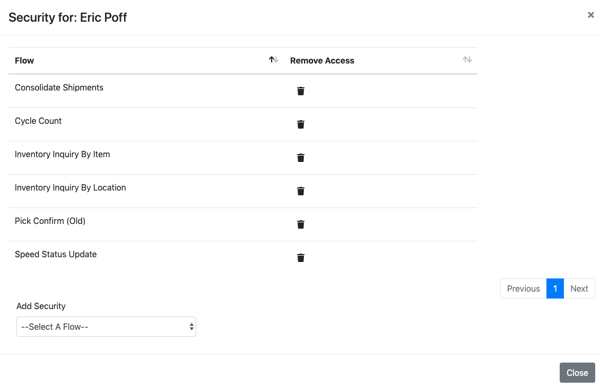
Click the lock icon in the Security column to view the Scanability flows available to a particular user.
- Select a flow from the Add Security drop-down menu to add access.
- To remove access, click the trash icon.
Edit user configuration
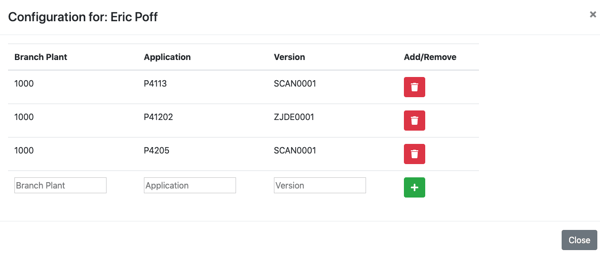
Click the tools icon in the Configuration column to view a user's configuration by branch plant, application, and version.
- To add a configuration, enter the branch plant code, application code, and version code. Then, click the plus sign.
- To remove a configuration, click the trash icon.
Topics: